Draggable
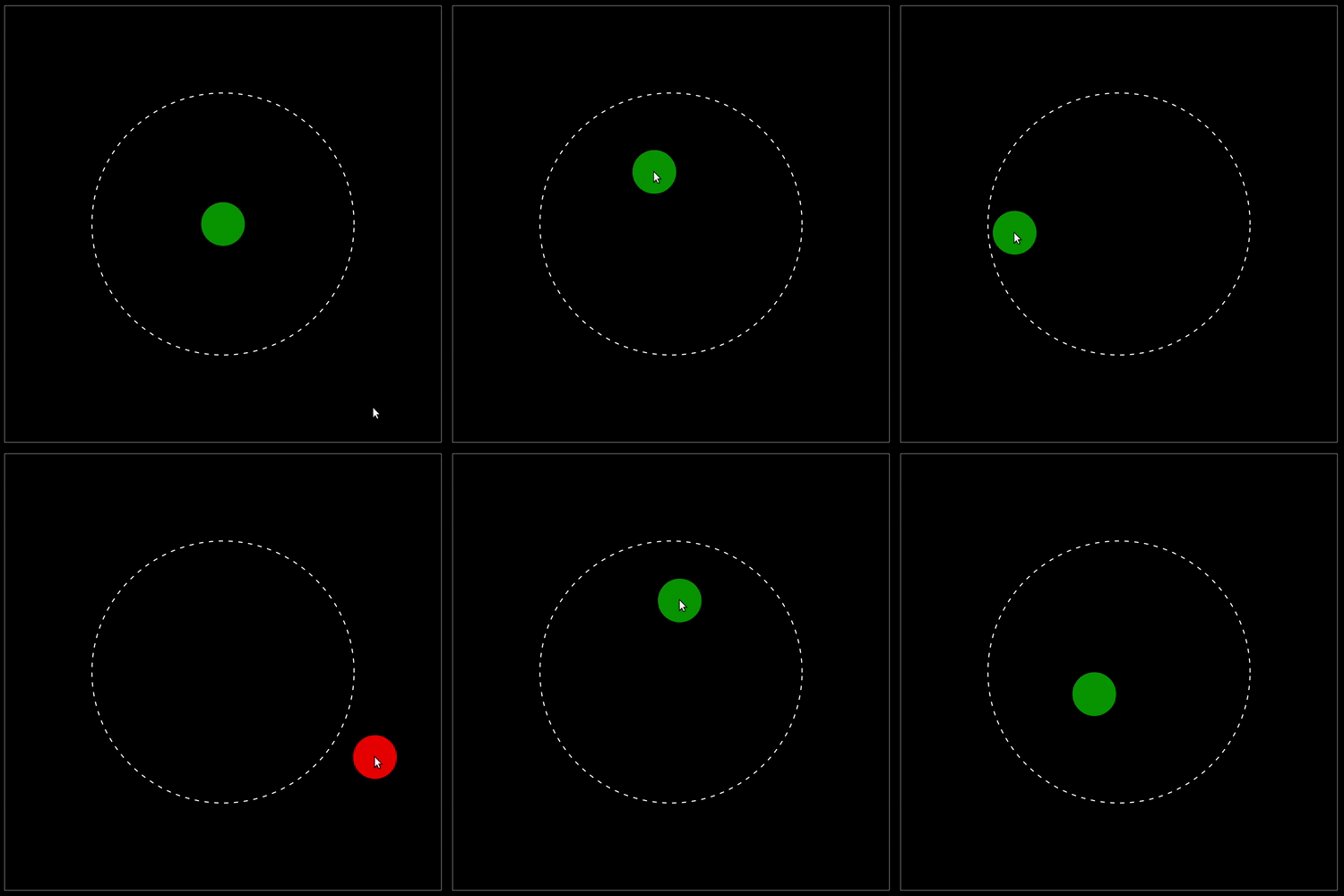
This demo illustrates user interaction with draggable items. The green disk can be moved with the mouse, and its color changes dynamically to red when it leaves the dashed circular zone, then back to green when it re-enters it.
Full Code
 1'''
 22D draggable demo
 3'''
 4
 5import anim
 6
 7# ═══ 2D Animation canva ═══════════════════════════════════════════════════
 8
 9class myAnimation(anim.plane.canva):
10
11  # ────────────────────────────────────────────────────────────────────────
12  def __init__(self, window):
13    '''
14    Items definitions
15    '''
16
17    super().__init__(window, boundaries=[[-1,1], [-1,1]])
18
19    self.R = 0.6
20
21    # ─── Zone
22
23    self.item.zone = anim.plane.circle(
24      radius = self.R,
25      color = None,
26      stroke = 'white',
27      thickness = 0.005,
28      linestyle = '--'
29    )
30
31    # ─── Text
32
33    self.item.disk = anim.plane.circle(
34      radius = 0.1,
35      color = 'green',
36      draggable = True
37    )
38
39  # ────────────────────────────────────────────────────────────────────────
40  def event(self, qitem, desc):
41    '''
42    Track changes
43    '''
44
45    if desc=='motion':
46
47      pos = qitem.pos()
48      x = pos.x()
49      y = pos.y()
50
51      if (x**2 + y**2) <= self.R**2:
52        qitem.item.color = 'green'
53      else:
54        qitem.item.color = 'red'
55
56# === Main =================================================================
57
58W = anim.window('Draggable animation')
59
60# Add animation
61W.add(myAnimation)
62
63# Prevent autoplay
64W.autoplay = False
65
66W.show()